

Your next pattern is included
Open any current Coralinio library pattern and the new ones we add. Choose your next project without buying another pattern.
CORALINIO LIFETIME · FOR THE LOVE OF BEADING
Make from our patterns or design your own. Lifetime includes the Coralinio library, step-by-step tutorials and the pattern editor with its future updates — without another subscription.
Try the tutorial without an account
See the editor included in Lifetime ↓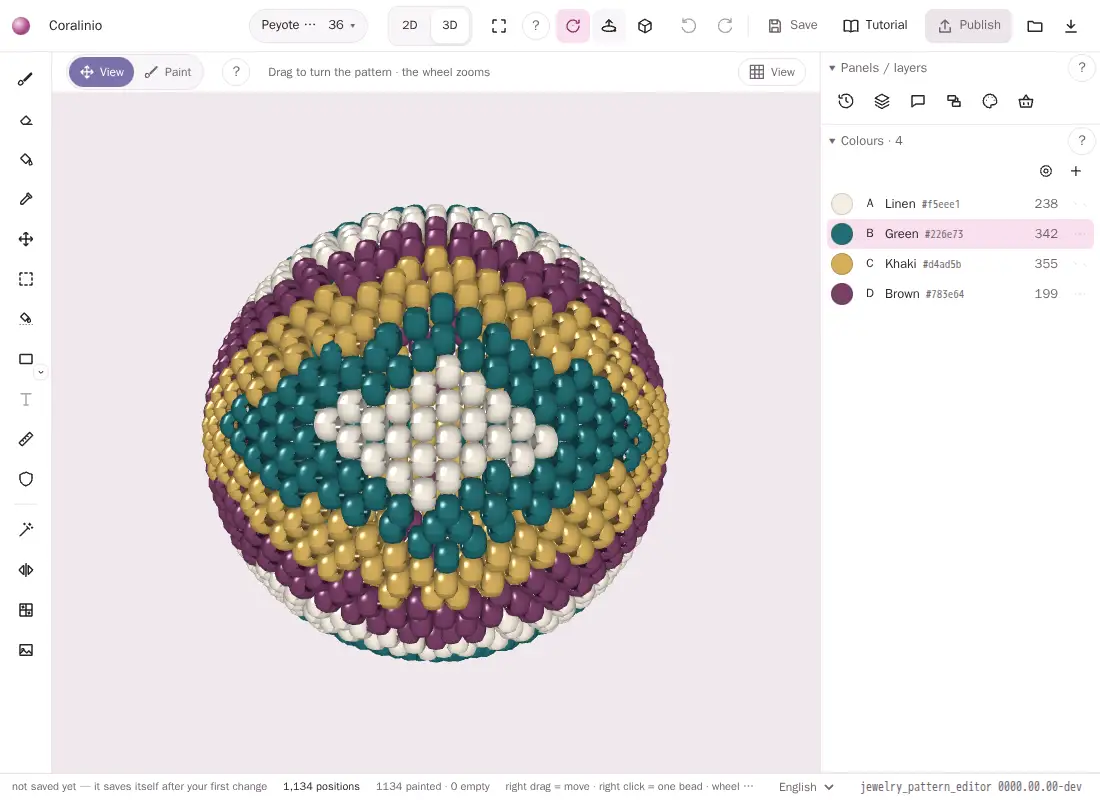 Enlarge editor ⤢
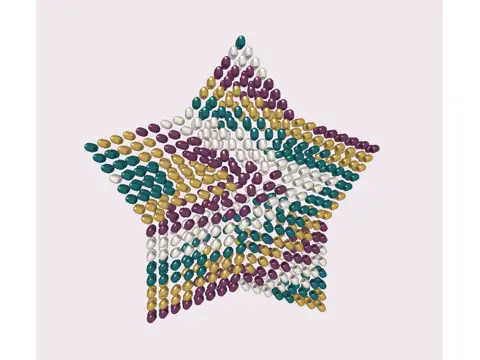
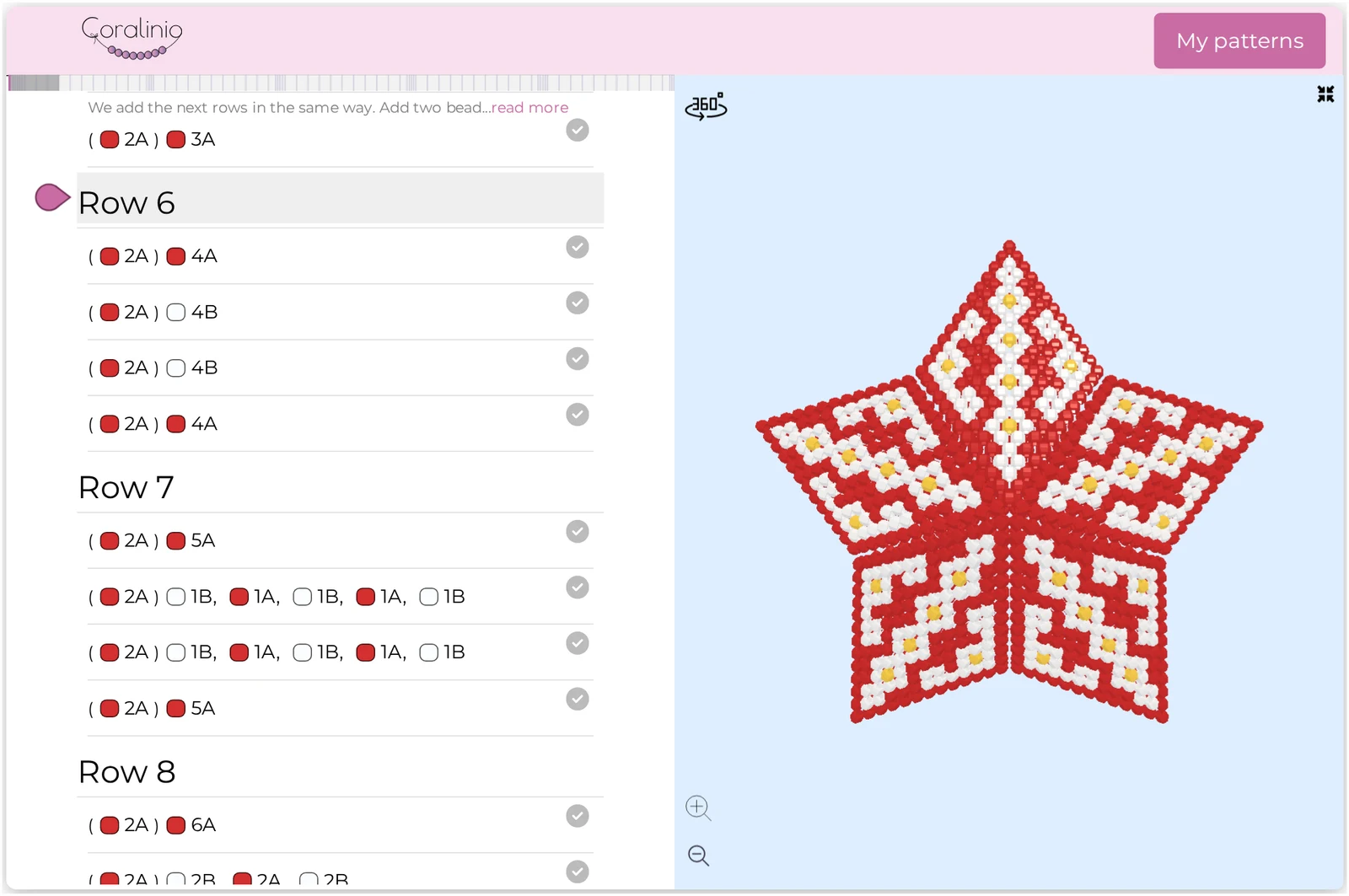
Actual views from the Coralinio editor and tutorial.
* The combined Coralinio and JewelryPatterns count includes creators’ own private and unpublished designs (as of 4 November 2026).
START WITH YOUR NEXT IDEA
I want to know which beads to prepare and what to do, one step at a time.
See how we guide youI have some experience. I want patterns I will enjoy coming back to.
Find your inspirationI want to turn my image into a pattern and keep it just for myself.
Meet the pattern editorDESIGN YOUR OWN · INCLUDED IN LIFETIME
A motif you sketched. A picture you love. A colour combination you cannot find anywhere. Make a pattern that starts with you.
Every account can try the editor for 60 days from its first use. Lifetime keeps the editor for good, with future updates and no extra subscription. Guest patterns stay only on your device and disappear after 7 days. After the trial you can still view, export and print your own patterns.
Try it now, without an account (a free account saves your patterns in the cloud).
From flat stitches to stars, ropes and curved forms. Find the shape for your next idea.
Actual 3D editor previews with a sample motif. Publishing availability depends on the kind.
Swipe to see all 20 → Select to enlarge.
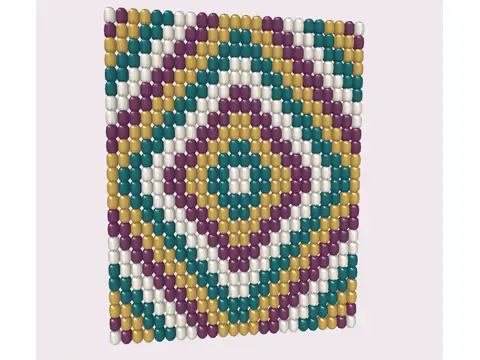
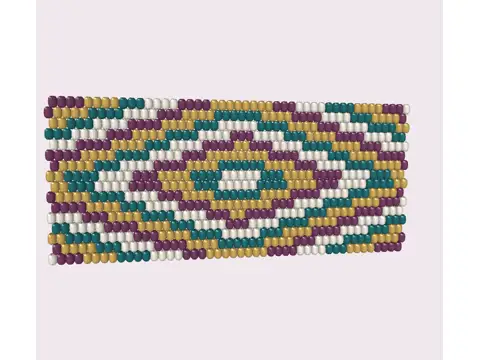
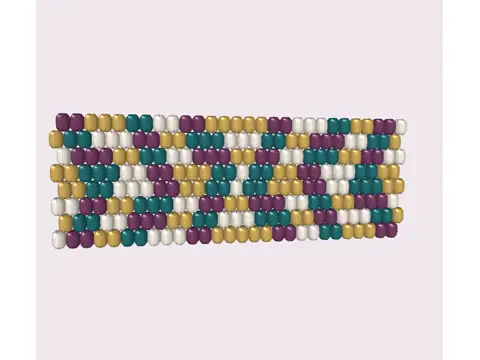
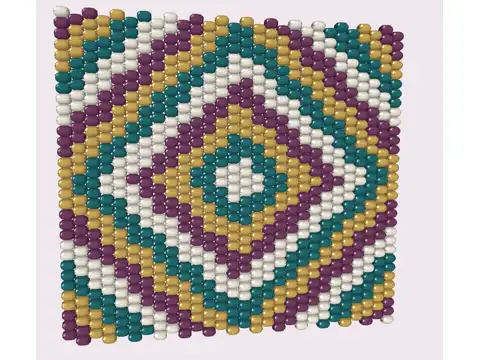
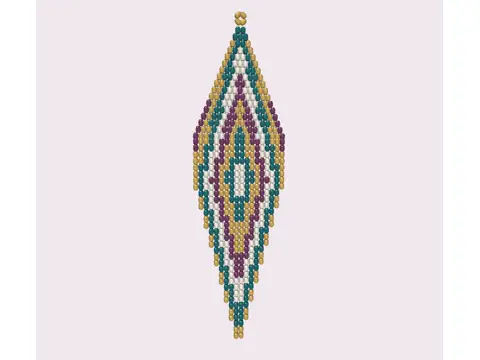
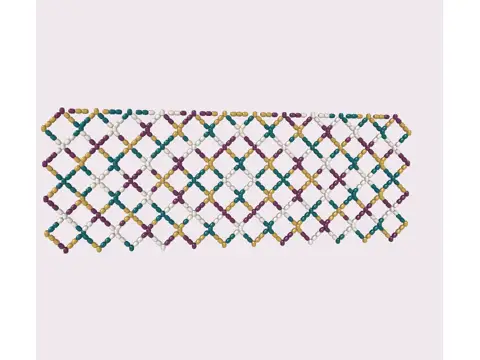

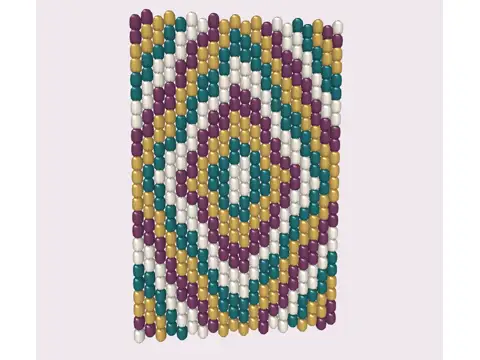
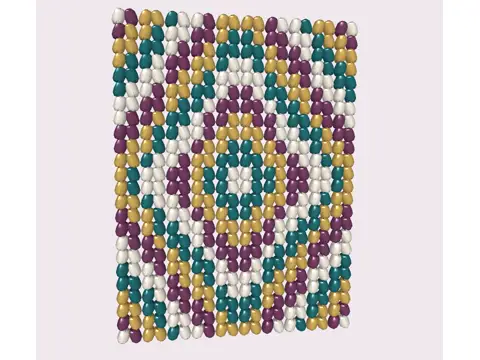
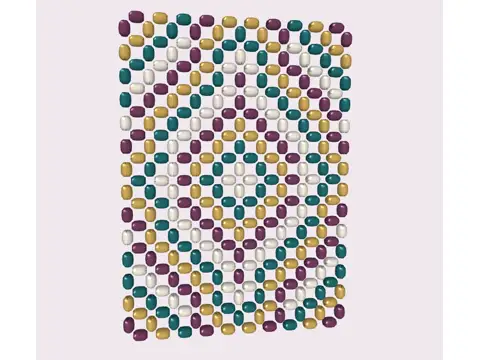
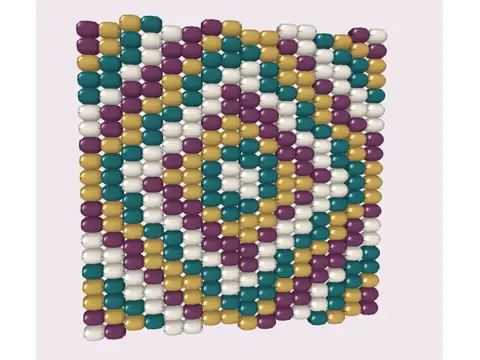
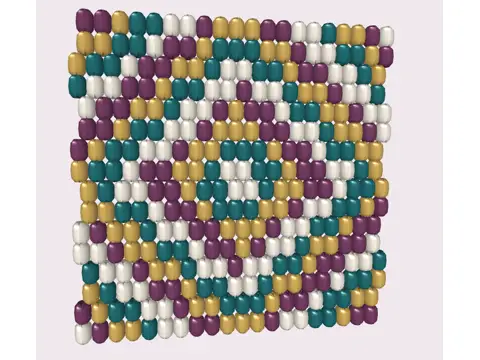
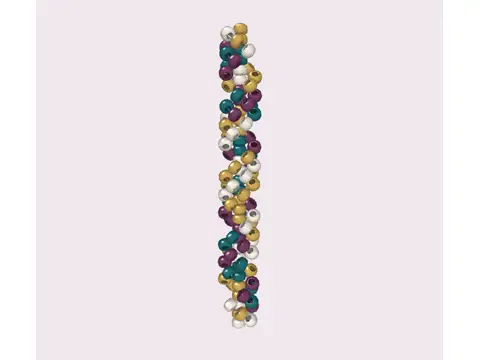
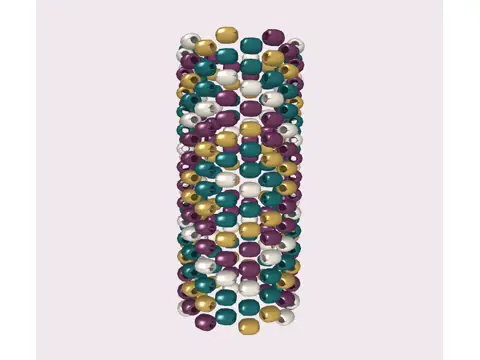
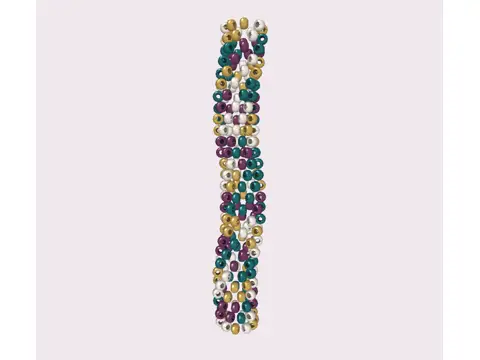
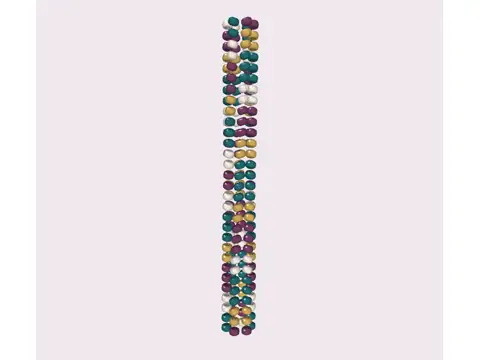
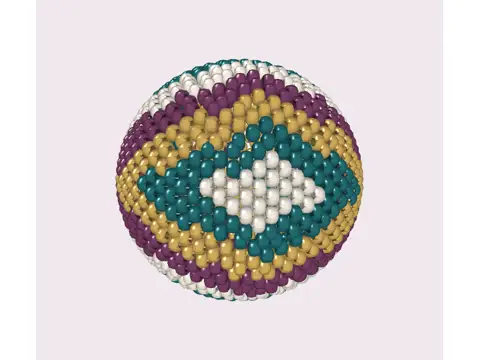
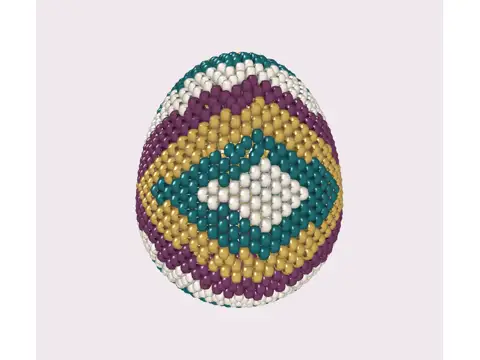
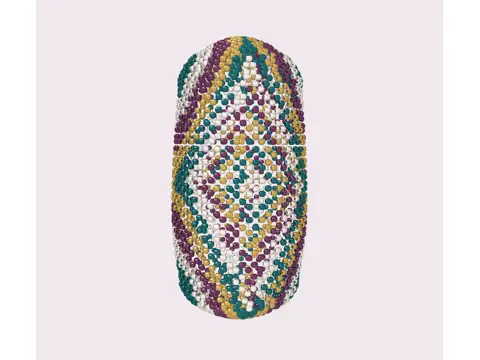
Real editor · 4 condensed, 8-second demos · silent · play when you choose
Import a picture, apply its colours, then turn the star in 3D.
Open the full-size video ↗Repeat a brush stroke, then fill an area with another colour.
Open the full-size video ↗Turn a peyote ball to inspect the motif around its curved surface.
Open the full-size video ↗From View, open the round quick menu and the materials drawer.
Open the full-size video ↗Seller pack: cover, materials, symbols, notes and charts to PDF via browser print — separate from library tokens.
Your designs can stay private — other users cannot see them, and Lifetime does not unlock their private work.
Word charts and exchange formats support specific kinds; Star word charts are not available.
Lifetime adds no AI generation allowance; realistic AI previews and video are a separate pilot, outside this offer.
Print, formats and tools — details in the FAQ ↓Keep the tools you like. Here is where the workflows meet — as of November 2026, from the vendors’ public guides.
| Tool | Documented workflow | With Coralinio Lifetime |
|---|---|---|
| Loomerly ↗ | Documented workflowPhoto conversion and drawing on loom, peyote and brick grids; printable PDFs and word charts. | With Coralinio LifetimeDesign with these stitches in the editor, then explore 20 kinds, 2D / 3D and the Coralinio tutorial library. |
| Beadographer ↗ | Documented workflowDrawing, region fill, bead symbols and PDF diagrams / word charts in its membership version. | With Coralinio LifetimeUse painting, fill and symbols, plus the editor’s Seller pack and library tutorials in your Lifetime account. |
A workflow comparison, not a promise of identical tools or lossless file transfer. Check your stitch and export format in the editor before buying.
SEE YOUR NEXT STEP
See how the instructions, bead list and 3D model work together. These short recordings show three ways Coralinio helps you follow a pattern.
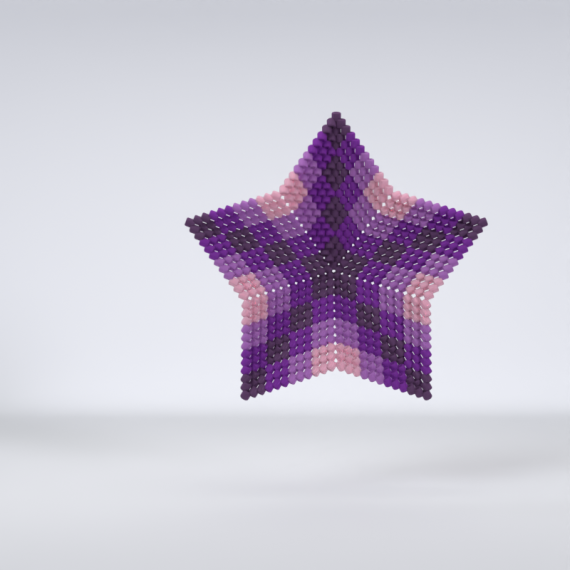
A beaded star is rotated in the actual Coralinio tutorial, then zoomed to reveal the individual beads and the shape of its arms.
Turn the model around and zoom in. Highlighted beads connect the step you are reading to the shape you are making.
The tutorial shows a word chart alongside the 3D model. A completed row is checked off, the page moves to the next rows and another completed step is marked.
Follow the bead sequence, check off a finished step and save your place on your account. Come back after a break without searching for where you stopped.
The colour legend opens for a ready-made star. A purple shade is selected from the palette. The actual 3D model changes colour and is rotated to inspect the combination. These preview changes reset on refresh.
Open the colour legend, change a colour and see the 3D model update. Try your combination before choosing beads. This preview resets when you refresh the page.
In the same tutorial, you also get
FROM COLOUR ON SCREEN TO BEADS IN YOUR HAND
A colour in your design can have a real manufacturer reference behind it. Supported projects include Miyuki codes, helping you check your stash or find beads for your next piece.
Examples from Coralinio’s colour map
Swatches illustrate our colour matches; shade names describe the preview. Codes are manufacturer references. Screens and bead finishes affect how colours look, so check a sample or product photo before buying.
Real app recordings, shortened for this preview. Play, pause or expand any film. No sound needed.
LOOK INSIDE ONE REAL PROJECT
A beautiful pattern catches your eye. Materials, details and instructions help you make it. Here is what that looks like in our beaded star tutorial.
FROM A REAL CORALINIO TUTORIAL
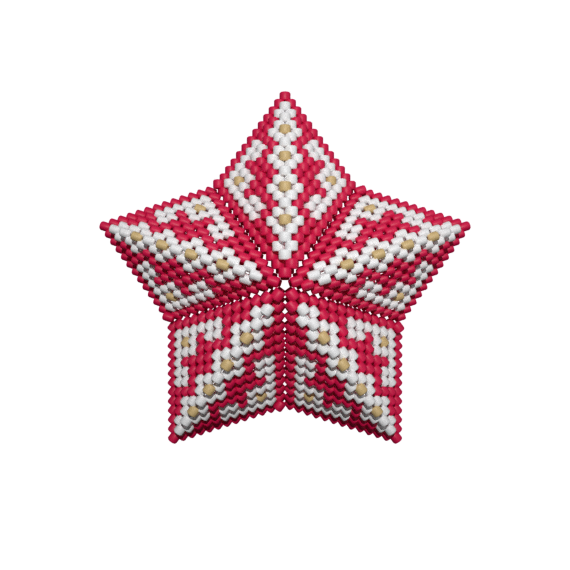
One-sided version · peyote
Prepare the colours and quantities from the legend. Each colour has a letter you will see again in the instructions.
Example: about 1,690 beads in 3 colours; materials are bought separately.
| Colour & reference | Quantity | Weight |
|---|---|---|
| A · RedDB727 | 1,305 | 6.53 g |
| B · WhiteDB201 | 355 | 1.78 g |
| C · GoldDB0433 | 30 | 0.15 g |
| Total for this project | 1,690 beads | |
Details from this specific tutorial; quantities and weights are approximate. Screen colours can differ from beads in your hand.
Open the preparation and finishing parts of the tutorial for guidance on supplies, joining the pieces and finishing your work. Beads and physical supplies are prepared or purchased separately.
NEW TO BEADING? YOU HAVE A PLACE TO START.
You do not have to understand the whole chart at once. Choose a project at your level and use the guidance for the step you are working on.
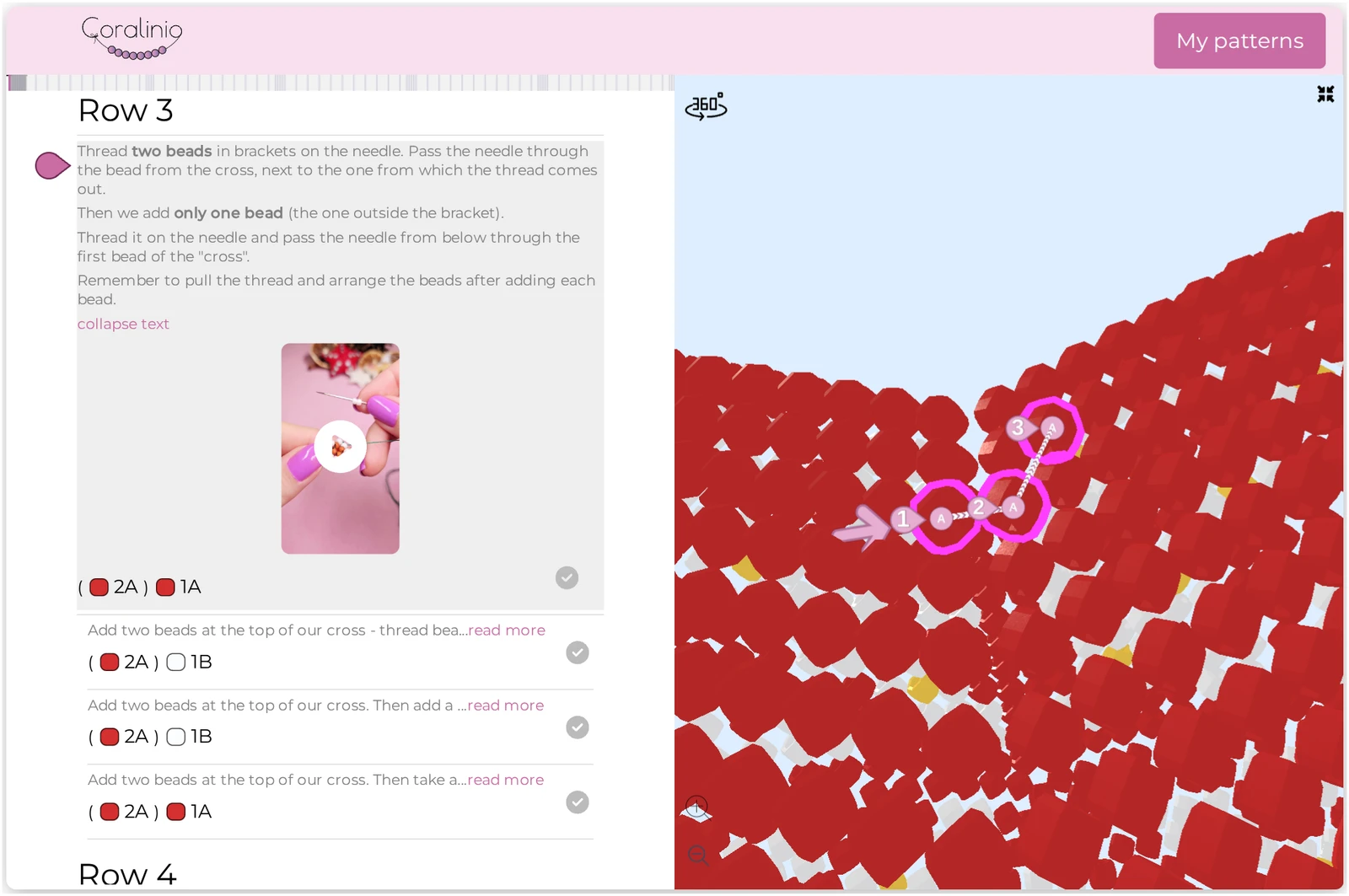
A letter is a colour from the legend. A number is how many beads to pick up. For example, 3A means three beads in colour A.
Expand the description and watch the available video at the step. Return to the explanation whenever you need it.
Check off a completed step on your account. After a break, come back to a place you recognise.
YOUR NEXT “I MADE THIS” MOMENT
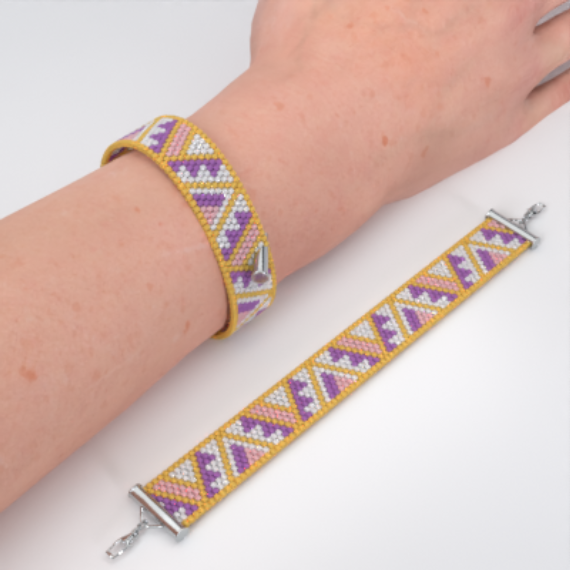
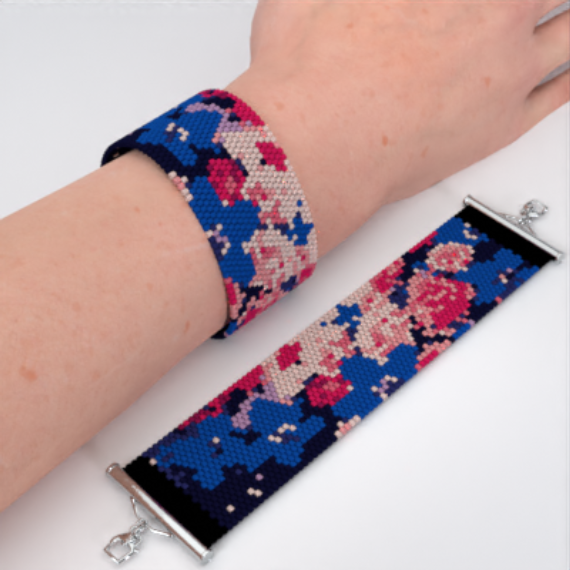
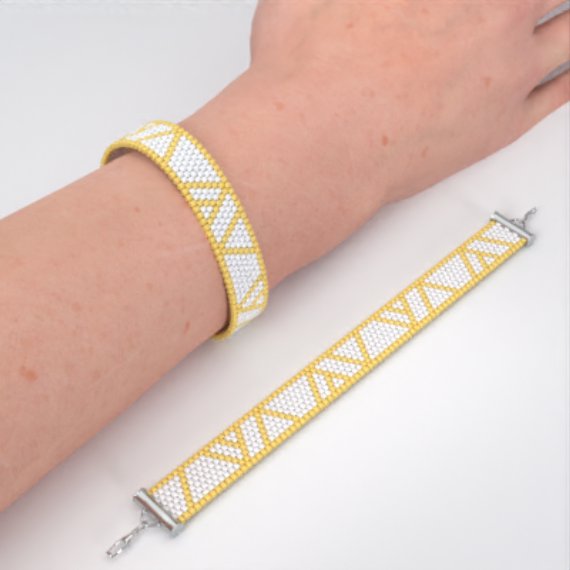
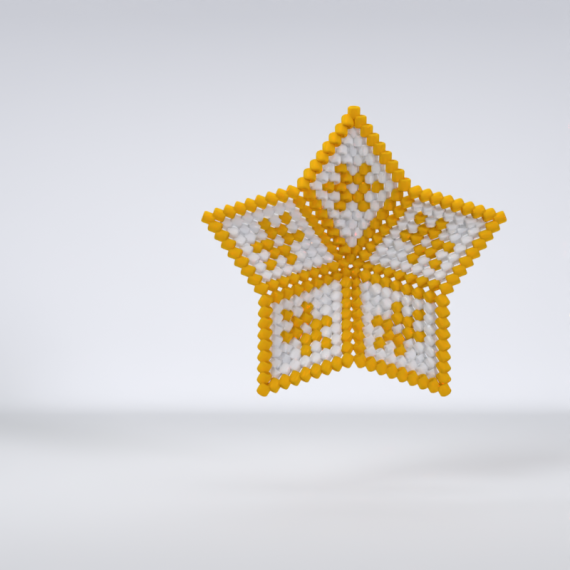
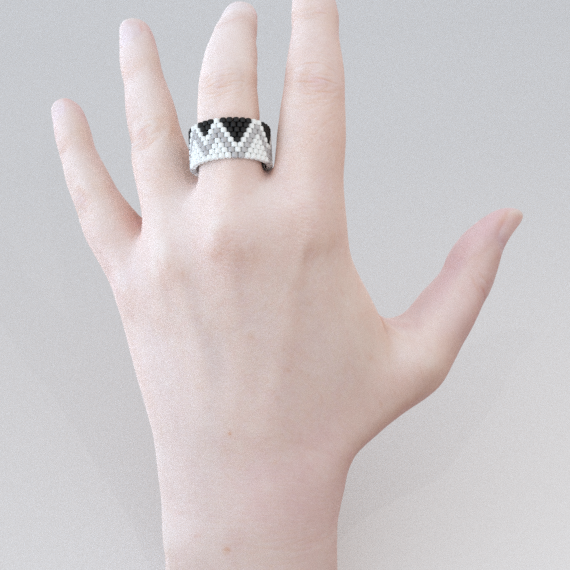
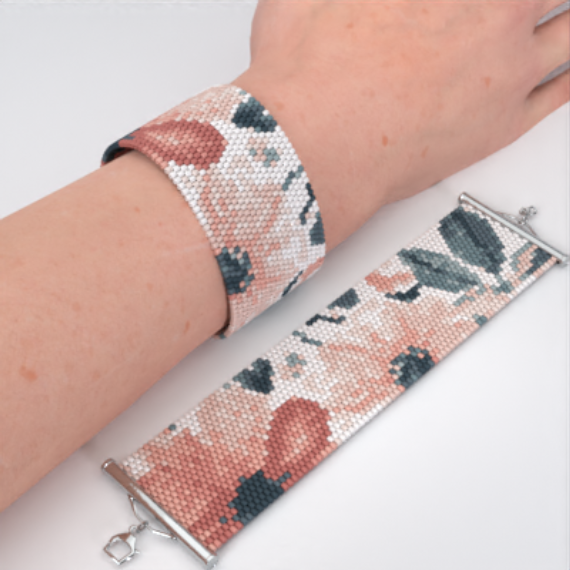
A bracelet for everyday, a ring in your favourite colours or a star made as a gift. Explore real Coralinio designs and choose what you would love to make.
A selection from the Coralinio library. Images show finished pieces or product visualisations.
Explore the whole libraryREADY TO MAKE
The tutorial opens with the project details: dimensions, bead count and difficulty. It then shows guidance on using the tutorial and the colour legend with bead references, quantities and approximate weights.
| When you… | With Coralinio |
|---|---|
| Want to understand the shape | Turn the 3D model, check the highlighted beads and watch the technique video. |
| Have time for just a few rows | Check off completed steps on your account. Return to your saved place after a break. |
| Prefer a printed pattern | Use a token to create a PDF where export is available. Lifetime includes 3 tokens each month. |
| Need help starting or finishing | Open the tutorial’s preparation and finishing guidance for advice on supplies and joining the pieces. |
BRING THE PATTERNS YOU ALREADY LOVE
Have a pattern exported as a PDF from another program, or a collection of your own PDFs? Submit a file with a written bead sequence (word chart). We will review it and, where the format allows, prepare an interactive tutorial.
Including one from another program. Up to 50 MB, with a written bead sequence (word chart).
Our team checks the format and prepares the import of a supported pattern.
Once it is ready, open the interactive tutorial on your account and start making.
Imports are processed by the team. Timing and conversion depend on the file; not every PDF is supported.
FROM YOUR SCREEN TO YOUR BEADING MAT
We prepare physical kits for selected projects. Check the contents on the product page, choose the available options and start with materials selected for that particular piece.
Lifetime is digital access. Kits, materials and delivery are paid separately.
Hands open a Coralinio box and show the packaged beads and supplies inside. This is an example kit; the contents and available options are listed on each kit’s product page.
A real Coralinio kit unboxing
Open any current Coralinio library pattern and the new ones we add. Choose your next project without buying another pattern.
Read the bead sequence, watch the available technique video and check the shape in 3D. Use the explanation that helps you most.
Paint, fill, use symmetry and layers, turn a picture into a pattern and inspect it in 2D or 3D. Lifetime keeps the editor and its future updates without another subscription.
Receive 3 PDF tokens each month. One token generates one tutorial PDF where export is available, for printing or use offline.
Bring a PDF from another program, with a written bead sequence (word chart). Our team checks the format and prepares supported imports as interactive tutorials.
Lifetime includes priority support and future feature updates. Aneta and Robert make the patterns, develop the tools and answer your questions.
NOW IT IS YOUR TURN
Open our beaded star and try these three things. No purchase or account needed.
Check the colour references, quantities and supplies.
If the view is hidden, choose “Show 3D preview”. Turn the model around and zoom into the details.
Read the explanation, find the video and see the matching beads in 3D.
Use your own account to save personal progress. This example project has medium difficulty.
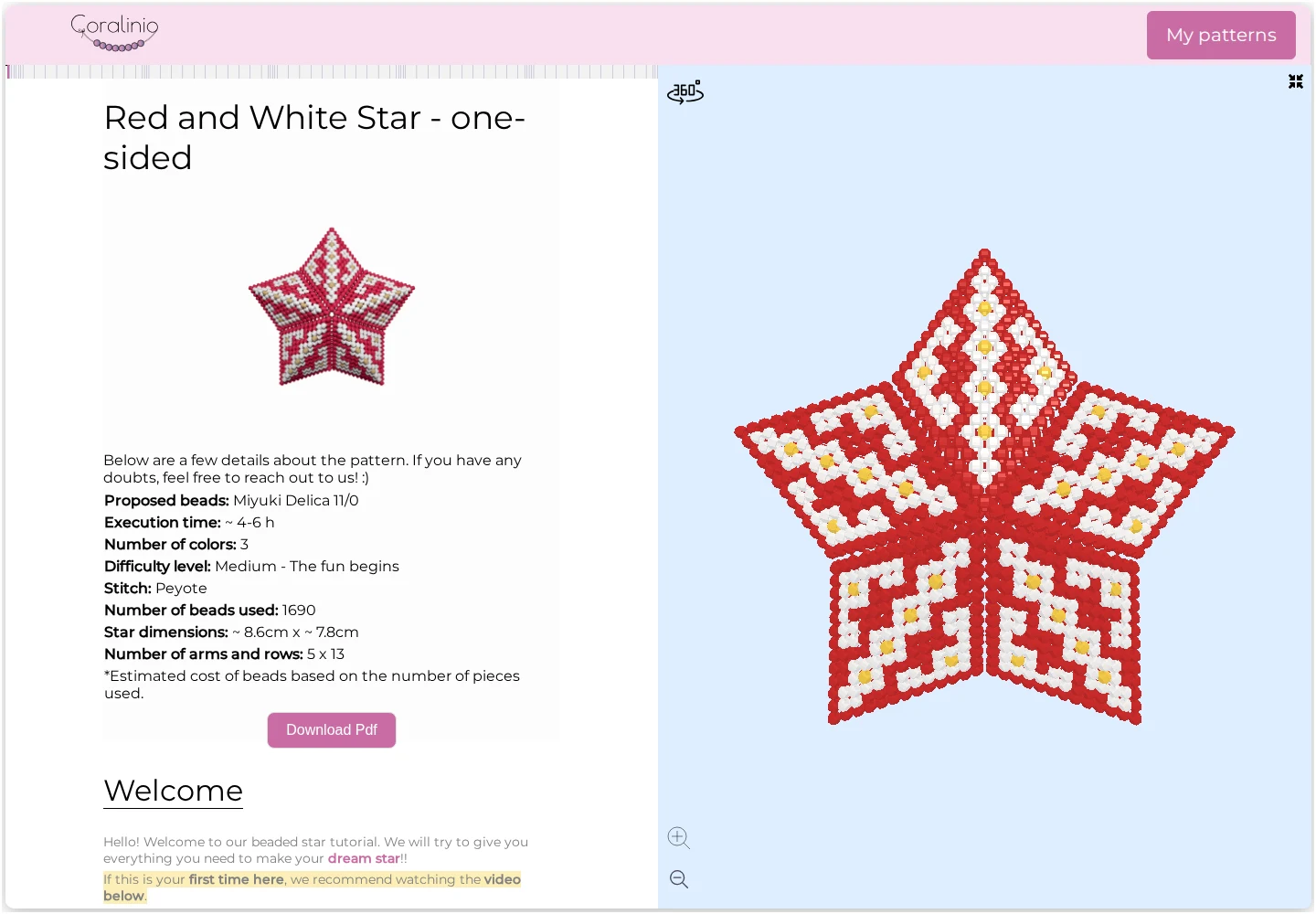 Open the interactive tutorial
CORALINIO LIFETIME
The library for your next project. The editor for your own ideas. Both included in one Lifetime purchase.
Compare with a subscription ↓ · Is it for me? ↓ · Maker reviews ↓
Open the real tutorial, explore the 3D star and see the instructions. Take your time before you decide.
Try a real tutorialThe pattern library, tutorials and your own design studio.
No subscription. No renewals.
Secure payment via Stripe. Confirm the final amount and available payment methods before paying.
Price out of reach? Request a discount ↓
Digital access for your personal account. Read the terms
Interactive tools need an internet connection. Beads and physical materials are purchased separately.
LET’S FIND A WAY
We want more makers to have a place to learn and design. If the price is out of reach, tell us why you would like Lifetime and what makes buying it difficult today.
We are glad to be understanding and to give generous discounts in justified cases — we want to reach as many people as possible whom this can help.
We read every request and reply within a few days. Each case is reviewed individually. If approved, we email you a promotion code to enter at checkout; sending a request does not guarantee a discount.
You can also write to us directly by email — we read every message just as carefully: info@coralinio.com
FROM THE PEOPLE MAKING WITH US
Amazing tutorial! I just made my first beaded bracelet. I highly recommend it 😃
… Since I work in stages, it's great that the site saves my progress, so I can easily pick up where I left off.
Very well-done tutorial, easy to understand. The hints are clear. I highly recommend it.
Selected reviews of Coralinio and its tutorials; not reviews of the Lifetime plan.
A GOOD PURCHASE FITS YOUR PLANS
One payment is especially convenient when beading is part of your life for the long run. See which situation feels like yours.
I want the whole library, instructions I can return to and new patterns without renewing a plan.
That is what Lifetime is forExplore Lifetime accessFirst, I want to see what following the instructions and working with the 3D model feels like.
Start with a real tutorialTry it before buyingI have an image and want to see what I can make with the creator.
Try the editor for 60 days with an accountExplore the editorAlready subscribing? Contact us before moving to Lifetime: buying it does not automatically cancel an existing subscription.
SEE WHEN LIFETIME COSTS LESS
Move the slider to compare the cost of continuous access. See when Lifetime costs less than renewing a monthly or annual plan.
Lifetime costs less than 4 annual payments.
Comparison in USD at current prices, assuming continuous access and unchanged prices. PDF allowances differ between plans. Currency conversion is not included.
YOUR FIRST PROJECT WITH LIFETIME
Once payment is confirmed, use Lifetime on the account linked to your purchase.
Check the difficulty and pick something you really want to make.
Check the legend and quantities. Use your own supplies or order an available kit separately.
Open the tutorial, explore the 3D view and mark your first completed step.
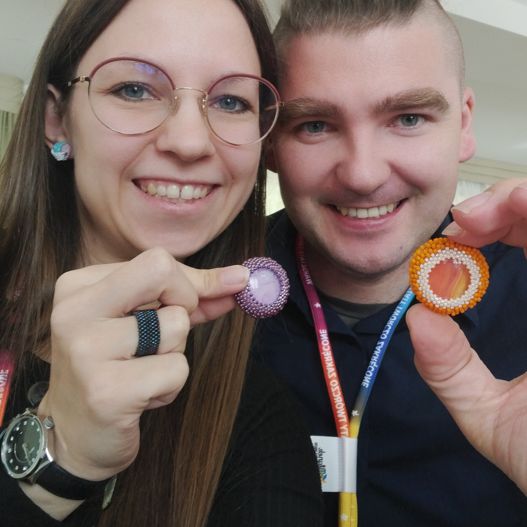
LIFETIME IS A COMMITMENT TO YOU
We are Aneta and Robert. Since 2021, we have been bringing beads and code together: making patterns, improving the app and helping you create your own work. Coralinio is part of our lives, with more ideas still to bring to life.
Choosing Lifetime supports the continued development of this space. We want “lifetime” to mean something personal: for Coralinio to be part of our lives, and yours, for a lifetime of making. We are building with many more years together in mind.
Aneta & RobertTalk to usNew patterns, better tools and a direct line to us. Lifetime includes new library patterns and future feature updates.
Only you can see a design you create and save as private. Return to it on your account when you are ready to make again.
Download a supported project, including your own, as a PDF using your plan’s tokens. Keep the downloaded file and use it offline.
YEARS OF MAKING STAND BEHIND THIS ACCESS
Coralinio is a product Aneta and Robert have been building for years. Along the way came new patterns, new tools and a community of people making jewellery and unique designs of their own.
Explore the community’s workOur earliest Coralinio designs date back to 2021. Years of making and improving the tools you can use today.
AI images and user-created patterns grow in JewelryPatterns. From an idea to a bead design of your own.
The community continues creating and adding designs. Join in with a ready-made pattern or develop an idea of your own.
One payment gives your account Lifetime access to the Coralinio pattern library, including the pattern editor and its future updates, future library patterns, interactive tutorials, 3D previews, video guidance, saved progress, future feature updates and priority support. You also receive 3 PDF-generation tokens each month.
The Lifetime purchase is a one-time payment, not a recurring subscription. It does not renew monthly or yearly. If you already have a separate subscription, contact us before switching: a Lifetime purchase does not automatically cancel that subscription.
Online library access and PDF generation are separate. Lifetime includes 3 PDF-generation tokens per month, not unlimited downloads. One token generates a supported tutorial PDF. Monthly tokens are credited by the scheduled monthly allocation; they are not an instant welcome bonus. The PDF page shows your balance and whether a tutorial can be generated. The editor’s Seller pack is a separate print-to-PDF tool for your own designs; it does not spend library tutorial tokens. Star word charts are not supported.
Yes. Check the difficulty and suggested materials before choosing a project. Start at your level, use the preparation instructions and open the written or video guidance when you need help. The demo star on this page has medium difficulty; it shows the tools rather than a recommended first project.
Coralinio runs in a browser on a phone, tablet or computer. Use your account to save your place. Interactive tutorials and 3D tools need an internet connection; a PDF you have downloaded can be used offline.
Yes, including PDFs exported from other pattern-making programs. Submit a file of up to 50 MB with a written bead sequence, also called a word chart. Our team checks the file and prepares the interactive tutorial where conversion is possible. Processing time depends on the file; not every PDF format is supported.
Every account can try the editor for 60 days from its first use. Lifetime keeps access for good, with future updates and no extra subscription. Without Lifetime, your patterns remain available to view, export and print, but you cannot edit or create new ones. You can also ask us for a discount. Guest patterns stay only on your device and disappear after 7 days; create a free account to keep them. Paint your own design or convert a picture during the trial; export support depends on the kind and format. The Image panel’s AI Gallery and Generate use the separate JewelryPatterns service under its current terms. Lifetime adds no AI generation allowance and does not include the realistic AI preview or video pilot.
Yes, physical kits can be ordered for selected projects. Each kit page lists its contents, price and options. Kits, materials and delivery are paid separately and are not included in Lifetime.
Yes. Open the colour legend in a supported tutorial to try palettes or replace individual colours. The 3D preview updates as you go. The Miyuki palette also lets you search by manufacturer code. This tutorial colour preview resets when you refresh the page; it does not save a permanent edited copy.
Yes. Save a design you created yourself as private and it stays on your account, visible only to you. Other users cannot see it, and you do not gain access to their private designs. You can return to your own project and later download a supported PDF using your plan’s PDF allowance.
Email info@coralinio.com and tell us what you would like to make. We can help you check whether Coralinio fits your needs. The terms and complaints policy linked below explain the purchase conditions.
Use the brush, fill and symmetry instead of colouring every bead separately. Layers keep parts of your design apart; undo lets you explore. Import a picture, adjust its crop and colours, then paint the details. Add symbols, notes and arrows. Export supported designs as .ks, OXS, jbead, CSV or a word chart to continue in another tool.
Open the editor in your phone’s browser. Its menus and tools adapt to the smaller screen. Save versions and download an archive of your patterns.
The Seller pack brings your cover, materials, symbols, notes and charts into a PDF through your browser’s print dialog. The screen below shows its Chart only preset.
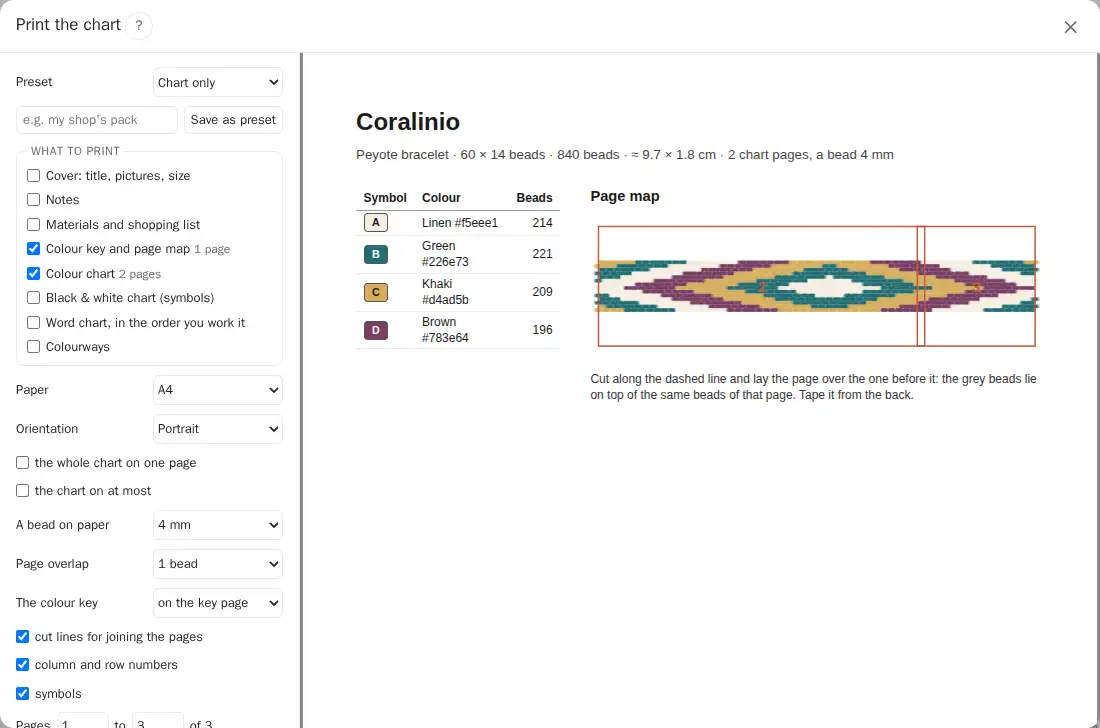 Open full screenshot ↗
This prints your own editor designs; library tutorial PDFs still use the monthly tokens. Word charts and exchange formats support specific kinds; Star word charts are not available.
Choose a pattern you love. Gather your beads. Your instructions are ready when you are.
Get Lifetime access$299 USD · one-time payment